A legacy programmable logic controller may continue running reliably for years, but that does not mean the system is prepared for your facility’s future needs. Aging hardware, limited spare parts, obsolete software, unsupported networks, and difficult-to-access program documentation can create serious production risks.
For manufacturers planning a legacy PLC migration in Pennsylvania, the central question is not simply which new controller to purchase. The more important question is how to modernize the control system while protecting production continuity, safety standards, quality, and your team’s ability to operate the equipment.
A successful migration is a structured engineering project. It begins with a complete understanding of the existing system and continues through offline testing, phased cutovers, operator training, and post-startup support. At Complete Control Solutions (CCS), we help manufacturers in Lebanon, Harrisburg, Lancaster, Central Pennsylvania, and throughout the Mid-Atlantic plan and execute that transition from start to finish.
Legacy PLC Migration Planning Checklist
| Migration phase | Primary action | Production-risk control |
|---|---|---|
| Current-state assessment | Inventory hardware, software, networks and field modifications | Identifies undocumented dependencies |
| System documentation | Secure backups and update drawings, I/O lists and network diagrams | Establishes an accurate recovery baseline |
| Risk prioritization | Rank systems by operational criticality and obsolescence | Prevents the wrong equipment from being migrated first |
| Architecture selection | Choose phased, controller-first, parallel or full modernization | Aligns the design with available outage windows |
| Offline development and testing | Test logic, HMIs, communications and simulated I/O before installation | Finds errors before the production cutover |
| Cutover and rollback planning | Define tasks, responsibilities, go/no-go criteria and recovery steps | Controls outage risk and supports rapid recovery |
| Training and commissioning | Prepare operators and maintenance personnel before startup | Reduces confusion during production restart |
| Post-startup support | Monitor performance, refine alarms and update documentation | Helps stabilize the upgraded system after go-live |
1. Begin With a Current-State Assessment
Before selecting a replacement platform, we analyze how the existing system operates. A migration plan based only on outdated drawings or an old PLC backup can overlook critical field changes and undocumented workarounds.
Your current-state assessment should include:
- PLC manufacturer, model, processor, firmware, racks, and communication modules
- Digital, analog, specialty, and safety I/O
- Remote I/O and network architecture
- HMIs, SCADA, historians, drives, motion systems, and safety devices
- PLC and HMI project files
- Electrical schematics, panel layouts, and network diagrams
- Spare-part availability and vendor lifecycle status
- Production sequences, interlocks, permissives, and emergency-stop functions
- Alarm and fault history
- Known operator workarounds and recurring equipment issues
Field verification is essential. Our engineers compare the installed system against available documentation, inspect control panels, confirm wiring, and identify changes that may not appear in the original design package.
This assessment also establishes a production baseline. Capture typical throughput, downtime, reject rates, alarm frequency, startup behavior, and shutdown procedures before migration. Those measurements provide an objective reference for validating the upgraded system after startup.
For additional context on legacy equipment risks, see our guide to the hidden risks of legacy control systems.
2. Document the System Before Changing It
Documentation is one of the most important, and frequently underestimated, parts of a control system upgrade. If the system’s logic, wiring, and operating behavior are not documented, the migration team is forced to make assumptions during a limited shutdown window.
A complete documentation package should include:
- A verified I/O list
- PLC memory and address cross-references
- Tag descriptions and equipment naming conventions
- Network topology and communication settings
- HMI screen inventory
- Alarm lists and priorities
- Sequence descriptions
- Cause-and-effect documentation
- Safety circuit and interlock information
- Current PLC, HMI, and drive backups
- Panel photographs and field wiring records
When converting an older system to a modern platform, it is useful to preserve a clear relationship between the old addresses and the new tags. Descriptive, consistent tag names make the new system easier to troubleshoot and maintain.
Documentation should also be version-controlled. Store the original files separately from working copies, record each approved change, and establish a process for backing up the new system after commissioning. This equips your operations and maintenance teams with reliable information long after the migration project is complete.
3. Prioritize Risk Before Prioritizing Equipment
Not every controller or production area presents the same level of risk. A practical migration plan ranks systems according to both operational criticality and obsolescence. If you are still determining whether modernization is justified, review ControlLogix vs. Legacy PLC Systems: When Is an Upgrade Worth It? before establishing the migration priority.
Consider evaluating each area based on:
- Production loss per hour of downtime
- Impact on personnel safety
- Environmental or regulatory consequences
- Availability of replacement hardware
- Vendor support status
- Number of single points of failure
- Availability of redundant equipment or bypass procedures
- Complexity of the control logic
- Availability of qualified personnel familiar with the system
A controller with scarce replacement parts and responsibility for a critical process may deserve earlier attention than a newer controller on a lower-impact line. However, the highest-risk area should not necessarily be the first system you cut over. The sequence should reflect both business criticality and project readiness.
Create a risk register that identifies potential failure modes and corresponding mitigations. For example:
- Logic conversion error: use peer review, simulated I/O, and factory acceptance testing.
- Incorrect field wiring: perform point-to-point verification and dual signoff.
- Network communication failure: preconfigure and test switches, gateways, and device addresses.
- Operator confusion: provide HMI demonstrations, updated procedures, and floor support.
- Unexpected process behavior: define measurable go/no-go criteria and rollback triggers.
This approach turns an uncertain upgrade into a controlled series of decisions.
4. Select a Migration Architecture That Fits Production
The best migration architecture depends on your equipment, budget, acceptable downtime, and future automation goals. Common strategies include:
Phased area-by-area migration
A line, machine, or process zone is upgraded individually. Each area is tested and stabilized before the next one is addressed. This limits the scope of each cutover and allows your team to apply lessons learned.
Controller-first migration
The central processor is modernized while selected legacy I/O or communication networks remain temporarily in service through an appropriate gateway or interface. This can reduce the initial outage while creating a path toward later I/O replacement.
Parallel or shadow system
The new control system is built and tested alongside the existing system. Where practical, signals can be monitored to compare expected and actual behavior before control is transferred.
Full system modernization
The PLC, I/O, networks, HMIs, panels, and related components are redesigned as one coordinated project. This provides the cleanest long-term architecture but may require a larger planned outage.
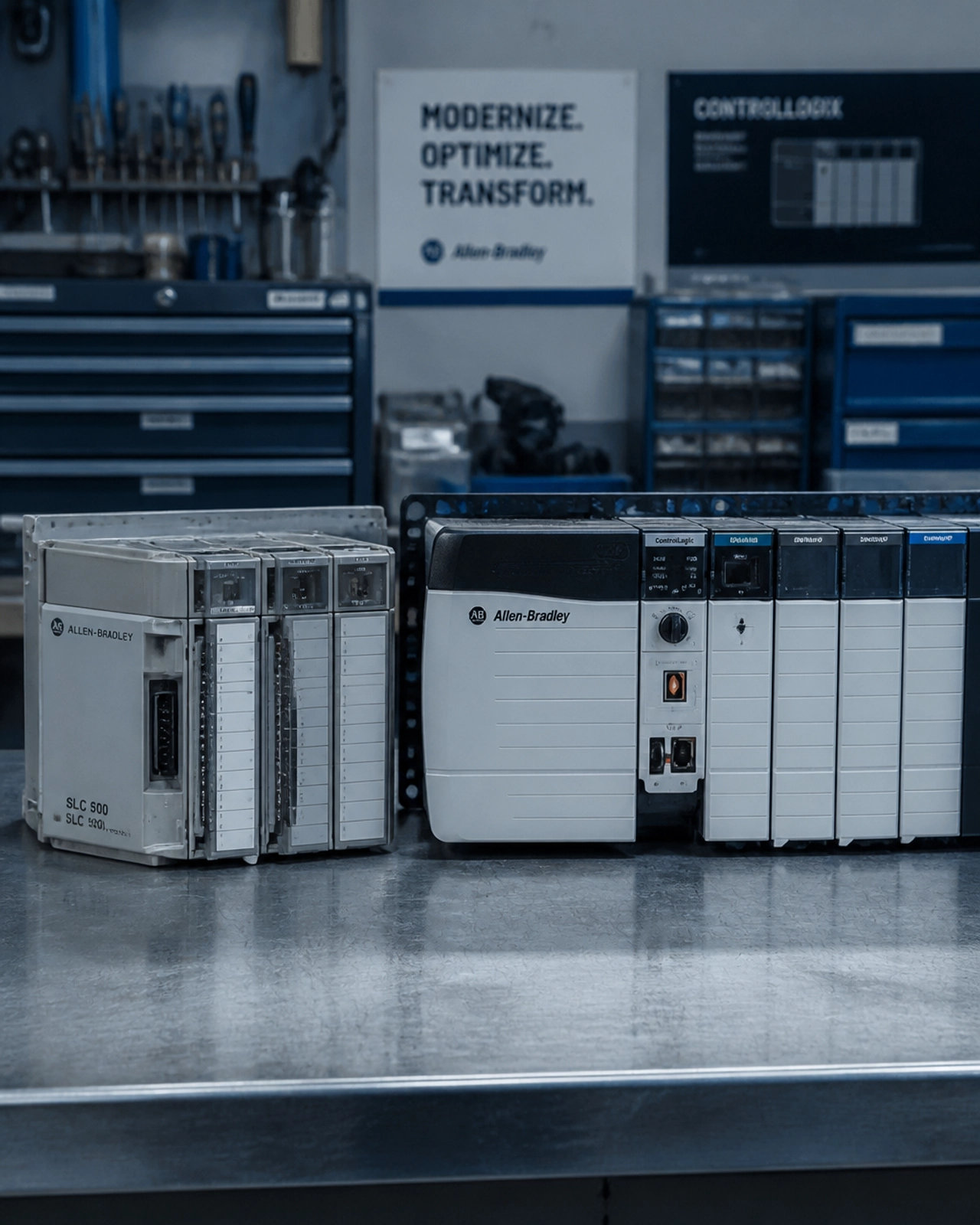
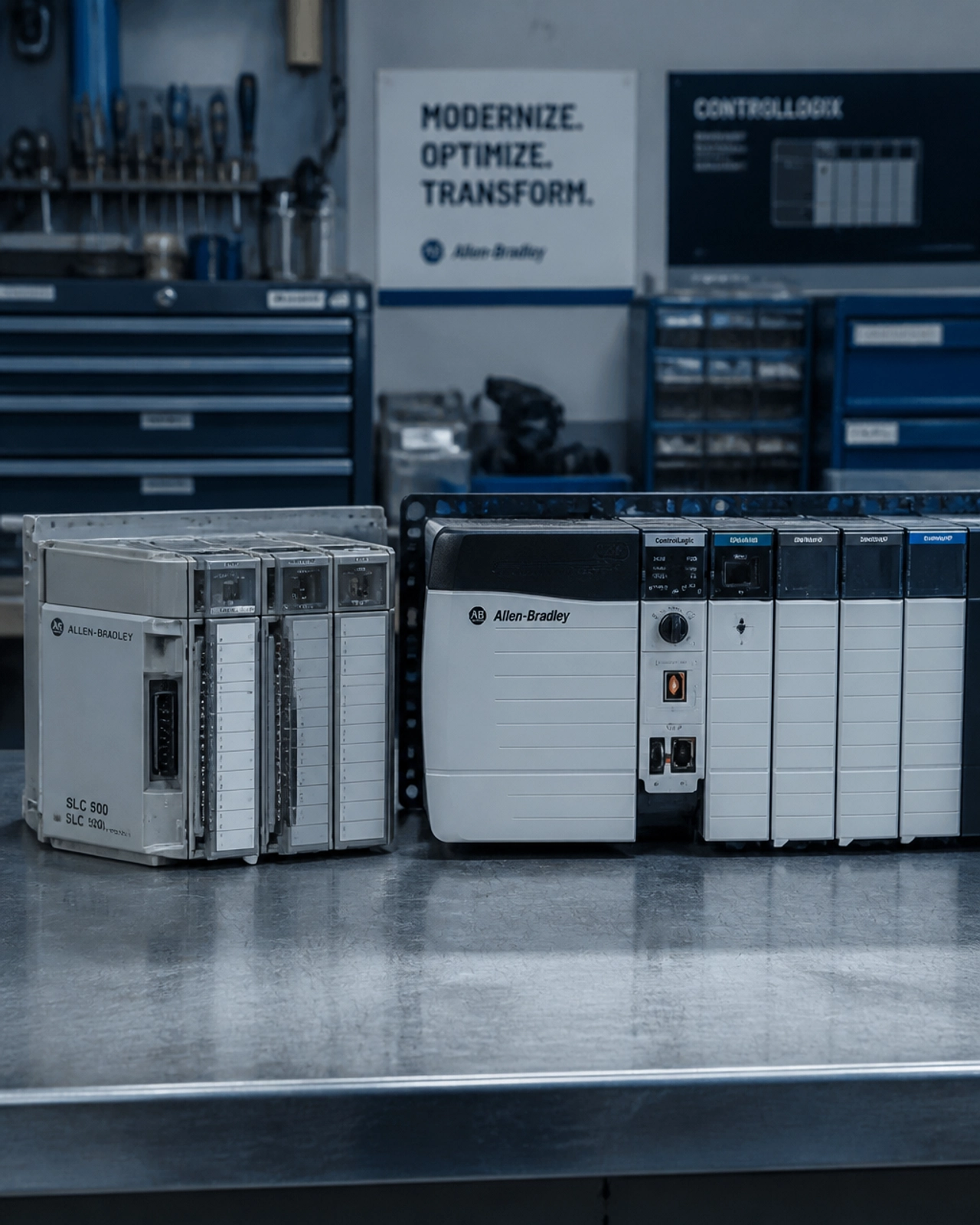
For example, CCS’s discussion of moving from SLC 500 to ControlLogix outlines several migration paths, including phased upgrades and wiring-conversion approaches. The correct architecture should be selected only after the current system and production constraints have been analyzed. Rockwell Automation also provides official SLC 500 migration guidance for evaluating a transition to CompactLogix 5380 and related I/O conversion options.
5. Build and Test Offline Before the Cutover
Every task completed before the shutdown reduces pressure during the live migration. Our engineers can develop the new program, configure hardware, prepare HMI screens, and test communications in a controlled environment before the new system is connected to production equipment.

Offline testing should verify:
- Normal startup and shutdown sequences
- Manual and automatic operating modes
- Interlocks and permissives
- Emergency-stop behavior
- Fault handling and recovery
- Analog scaling and alarm limits
- Drive and motion commands
- HMI navigation and operator controls
- PLC-to-HMI and PLC-to-SCADA communications
- Historian, reporting, and time-synchronization functions
- Network addressing and device diagnostics
A factory acceptance test, or FAT, provides an organized structure for this work. Use simulated inputs, test fixtures, or software-based simulation to exercise the converted logic without interrupting production.
The objective is not to make the new program look different simply because the platform has changed. First, corroborate that the migrated system preserves the required functionality. Improvements to sequences, alarms, visualization, and performance can then be introduced in a controlled manner.
6. Create a Detailed Cutover and Rollback Plan
A migration should never depend on a general instruction such as “replace the controller during the weekend.” Each cutover requires a documented execution plan.
For every migration area, define:
- Exact hardware and software included in the change
- Required shutdown and isolation steps
- Personnel responsible for each task
- Required tools, spares, drawings, and test equipment
- Wiring and termination verification steps
- Program download and configuration procedures
- Dry-run and loop-check requirements
- Startup sequence and production ramp plan
- Go/no-go decision points
- Conditions that require rollback
The rollback plan is particularly important. Maintain verified backups of the legacy PLC program, HMI projects, network settings, and related configurations. Where feasible, retain the legacy hardware and prepare a documented method for returning the area to its previous operating state.
Rollback triggers should be agreed upon before the cutover begins. These may include safety anomalies, persistent communication faults, unacceptable quality results, abnormal equipment behavior, or production performance outside defined limits.
A clear rollback plan does not indicate that a project is expected to fail. It demonstrates that the team is prepared to protect your operation if conditions do not meet the agreed acceptance criteria.
7. Train Operators and Maintenance Personnel Before Startup
A new PLC platform can be technically successful and still create operational disruption if your team is not prepared for changes in the HMI, alarms, diagnostics, or recovery procedures.
Before startup, train operators and maintenance personnel on:
- HMI navigation and screen organization
- New tag names and diagnostic information
- Alarm priorities and acknowledgment procedures
- Startup and shutdown sequences
- Manual, automatic, and maintenance modes
- Fault recovery and escalation procedures
- Backup and restore expectations
- Safe access and change-control requirements
Provide updated standard operating procedures and concise job aids for common tasks. During the initial startup period, our engineers can work with your team on site to answer questions, analyze unexpected behavior, and initiate appropriate corrections.
Open, fluent communication between plant personnel, controls engineers, electricians, and management is critical. The migration should align with your specific needs and expectations, not just the technical requirements of the replacement platform.
8. Support the System After Go-Live
Commissioning is not the end of a migration. It is the beginning of the stabilization period.
After startup, compare the upgraded system against the pre-migration baseline. Review throughput, downtime, reject rates, alarm activity, process stability, and operator feedback. Track any remaining issues through a documented punch list and assign clear owners and deadlines.
Post-startup support may include:
- Alarm and HMI refinement
- Sequence and timing adjustments
- Network and communication diagnostics
- Additional operator training
- Backup and version-control setup
- As-built documentation updates
- Preventive upkeep recommendations
- Future expansion planning
At CCS, we provide control system upgrades, engineering services, on-site services, and system support to help manufacturers manage the complete lifecycle of their automation systems.
Plan Your Legacy PLC Migration With CCS
A legacy PLC migration does not have to mean an uncontrolled production interruption. With a verified assessment, accurate documentation, risk-based prioritization, offline testing, phased cutovers, rollback readiness, and trained personnel, your facility can modernize its control system with greater confidence.
Complete Control Solutions combines the resources of a large integrator with a highly personalized client experience. From our location in Lebanon, Pennsylvania, we support manufacturers throughout Central PA, Harrisburg, Lancaster, and the broader Mid-Atlantic region.
Whether you have a single aging PLC or a distributed control system requiring a multi-phase upgrade, our engineers can analyze your current environment and develop a robust migration path aligned with your future needs.
Contact CCS to discuss your legacy PLC migration and schedule an assessment.